
Direct every shot
like a cinematographer.
Six groups of cinematic controls, chosen per shot and combined freely. Keep the same characters and scenes while you change how they are framed, lit and moved.
Camera angle and lighting presets are in the studio today. Shot size, lens and depth of field, film look and color grade and camera movement presets are coming soon and are marked below.
Shot size
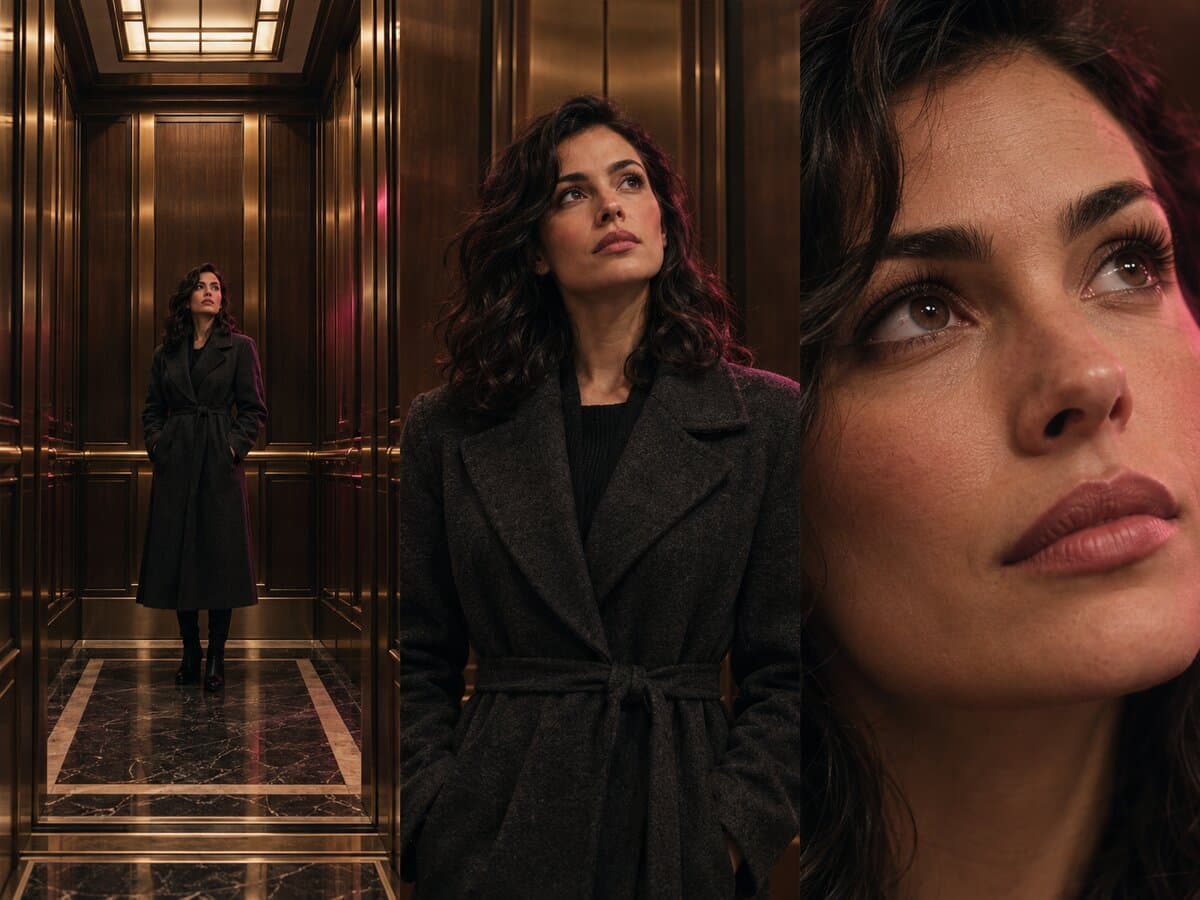
Shot size tells the viewer how close they are to the story. Set it per shot so a scene can open wide, move in for the reaction and cut to the detail that matters.
Extreme wide
The whole location with the character small in the frame; the opening of a scene.
Wide
Full body and surroundings, enough to read the space and the action.
Medium
Waist up, the everyday shot for dialogue and gestures.
Close-up
Face fills the frame; every reaction reads.
Extreme close-up
Eyes, hands or an object; a detail that carries the beat.
Over the shoulder
Looks past one character at another, the classic conversation pairing.
Camera angle
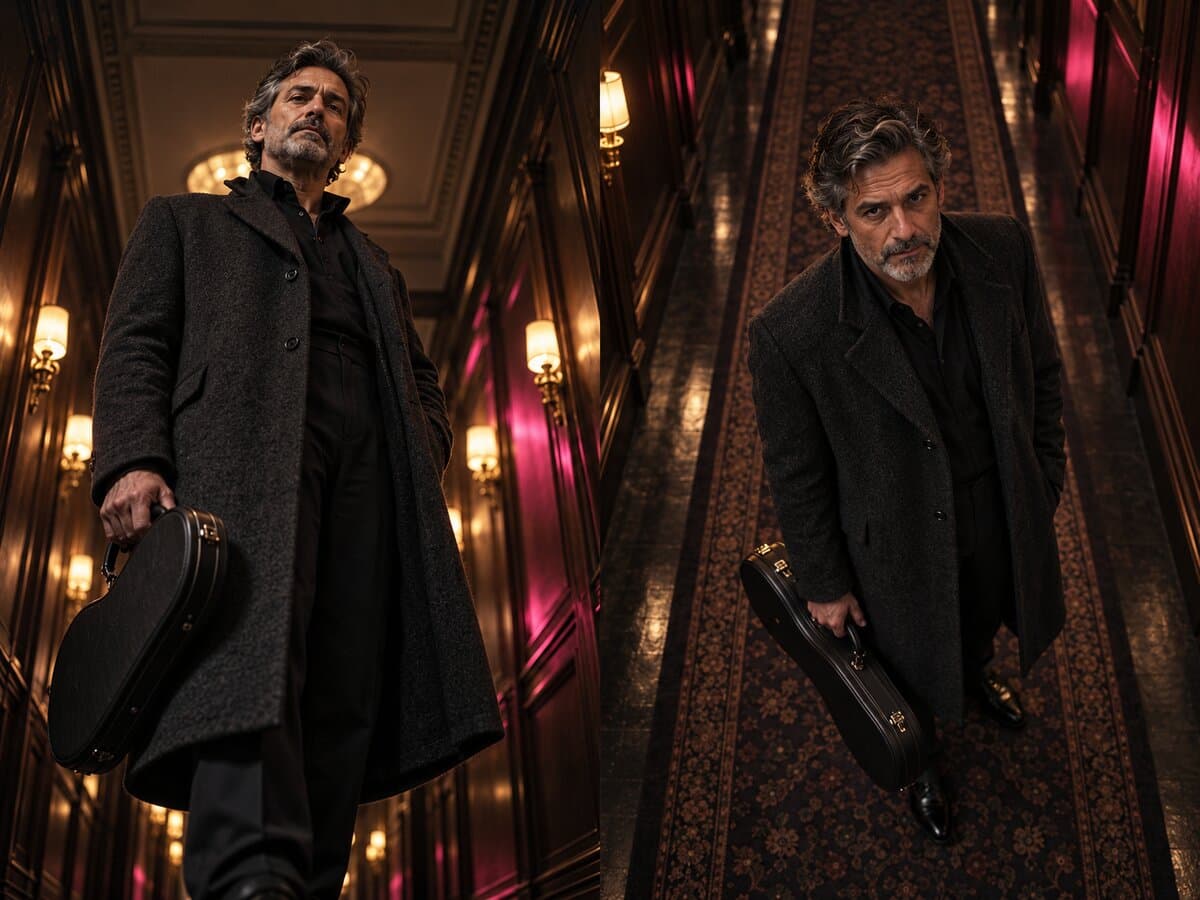
Angle changes how we feel about a character. The studio can orbit the camera around a reference image, raise or lower it, and keep identity, wardrobe and scene consistent in the new view.
Eye level
Neutral and direct; the camera stays on the original viewing axis.
Low angle
The camera drops below the subject and looks up, lending presence and power.
High angle
The camera rises above and looks down, making the subject smaller or more vulnerable.
Orbit views
Front, three-quarter, side and rear views around the same subject, from one reference.
Bird's eye
Coming soonStraight down from above; a map-like view of the scene.
Dutch tilt
Coming soonThe horizon tilts to unsettle the frame.
Lens and depth of field
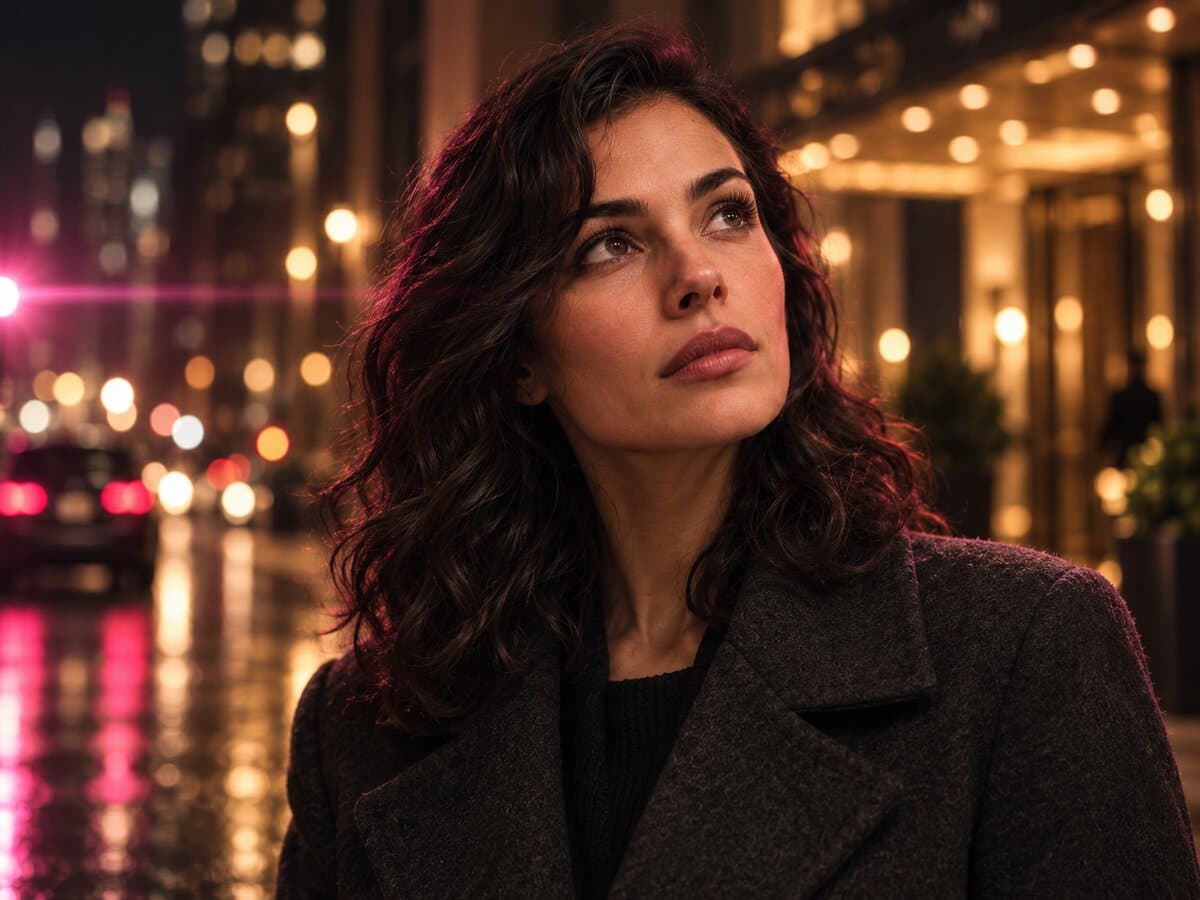
Lenses decide how much the frame compresses or stretches a scene, and depth of field decides what stays sharp. Pick them like a cinematographer would, per shot.
14 mm
Ultra wide with dramatic perspective for tight interiors and bold openings.
35 mm
Natural, slightly wide; a versatile storytelling lens.
85 mm
Flattering portrait compression for close-ups.
135 mm
Long lens that isolates the subject and stacks the background.
Anamorphic
Wide cinematic frame with oval bokeh and horizontal flares.
Shallow or deep focus
Blur everything but the subject, or keep the whole scene sharp.
Film look and color grade
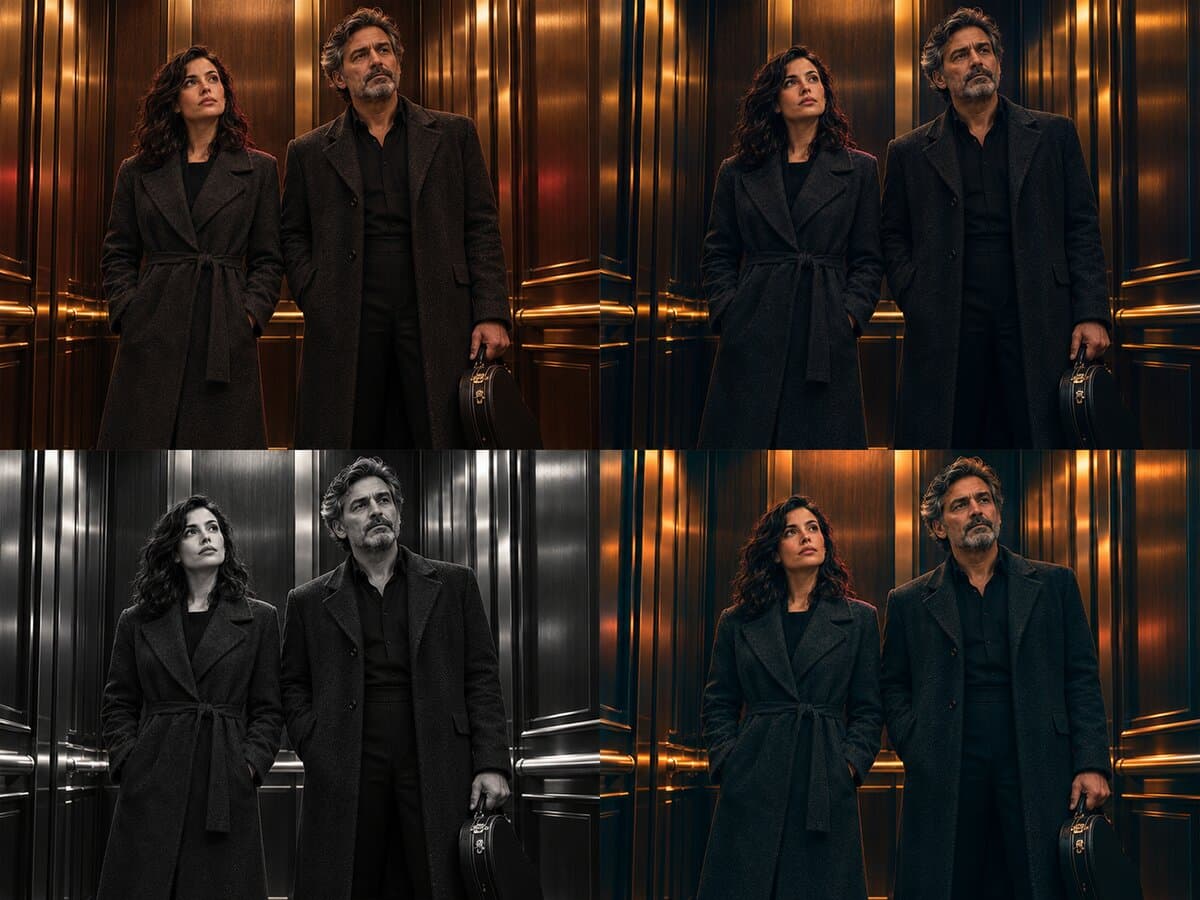
A grade ties shots together. Apply a look to a whole scene or episode so characters, locations and clips feel like one production.
Warm portrait film
Soft skin tones and gentle contrast, like a favorite color negative.
Tungsten night
Amber interiors against blue exteriors for night scenes.
Black and white
Monochrome with rich midtones for timeless drama.
Teal and orange
The modern blockbuster contrast between skin and shadows.
16 mm grain
Visible grain and a softer edge for a documentary, indie texture.
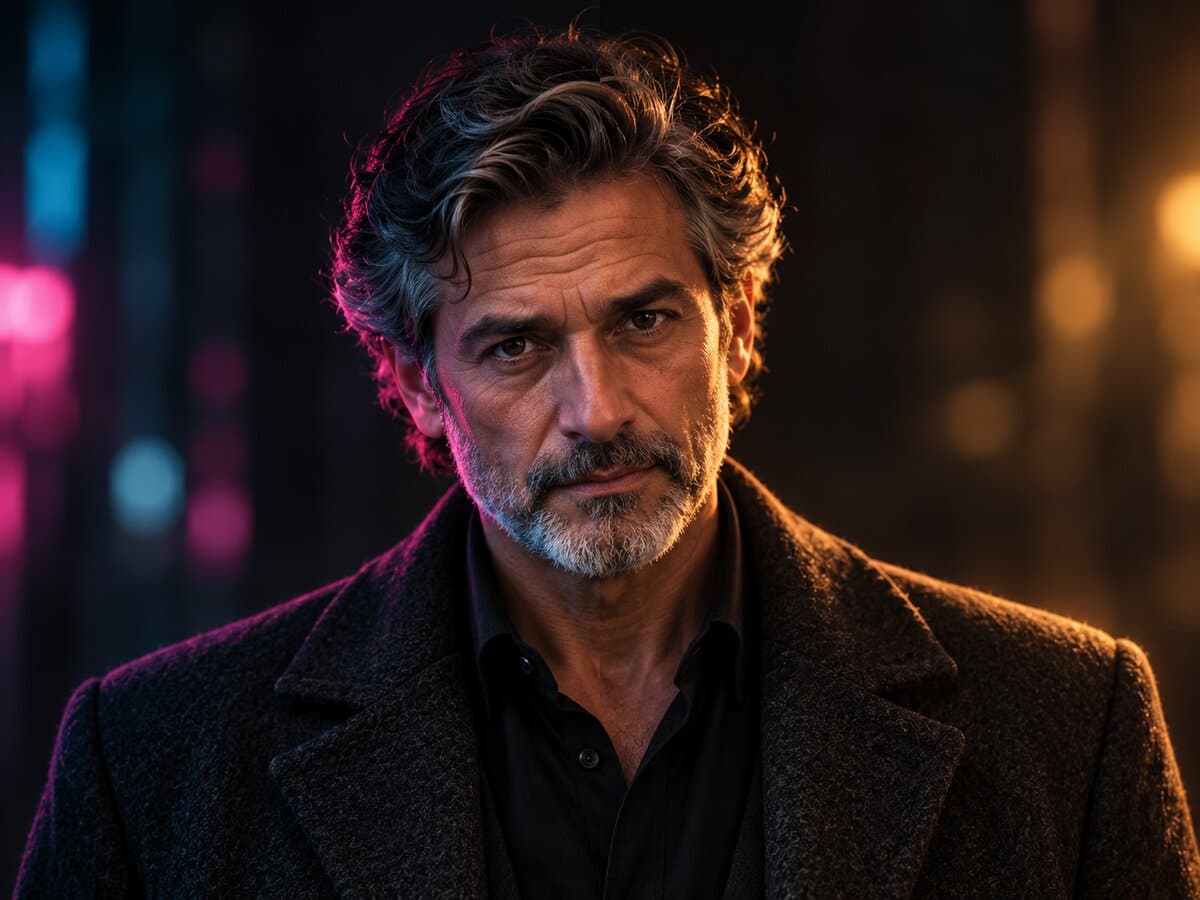
Lighting
Lighting presets relight a reference image while keeping composition, identity and background intact. Choose a mood, then fine-tune direction, intensity, color and rim light.
Soft film
Airy, high-key light with gently faded highlights and an analogue finish.
Classic portrait
A sculpted key light from the upper side with a small highlight on the shadowed cheek.
Neon night
Cyan and pink spill across surfaces for a vivid, nocturnal city mood.
Golden hour
Late-afternoon golden light with smooth, luminous skin highlights.
Noir
Low-key illumination with dense shadows and selective highlights.
Twilight
Low amber sunset light, long soft shadows and a dreamy dusk atmosphere.
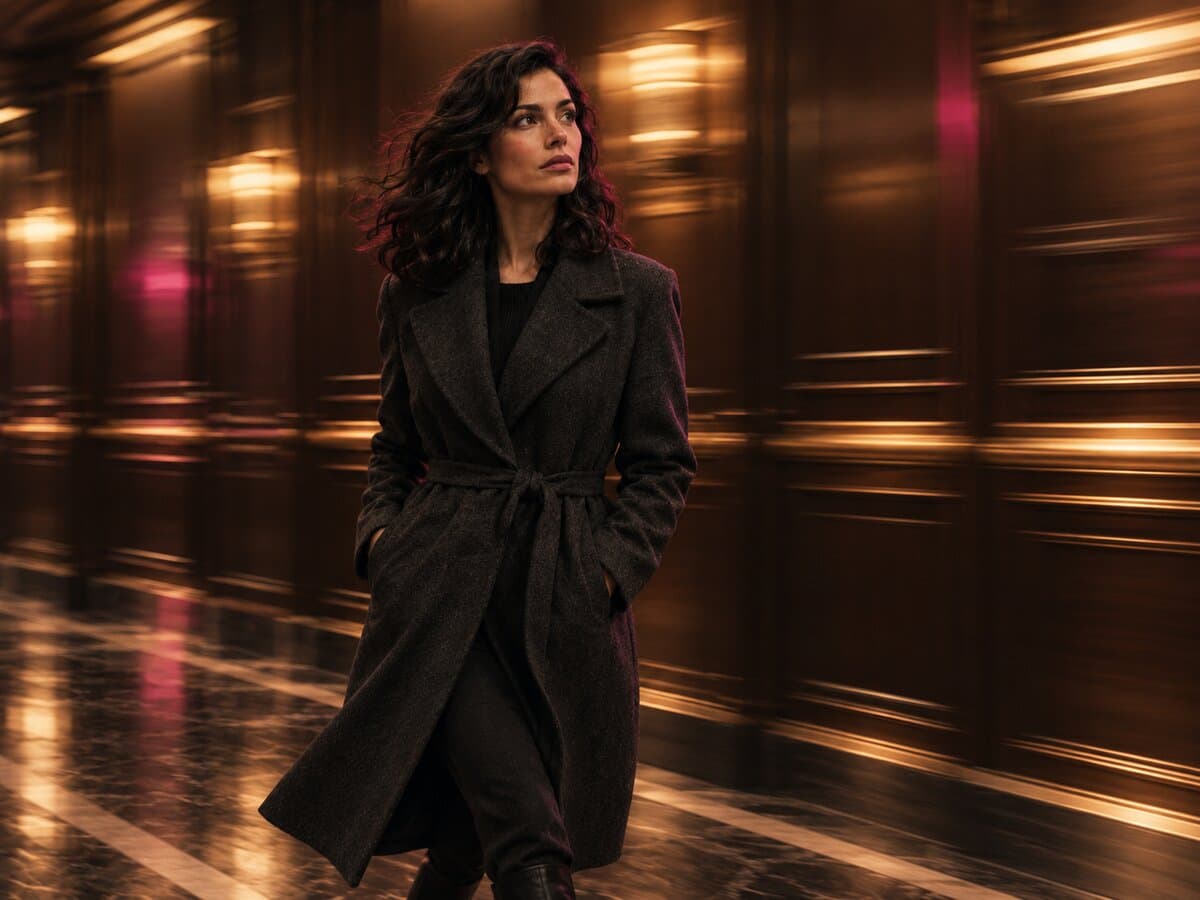
Camera movement
Movement gives a clip rhythm. Choose a move for the video step so a still scene becomes a push-in, a reveal or a handheld moment.
Dolly
The camera pushes in or pulls back along its axis.
Pan
The camera turns horizontally from a fixed position.
Tracking
The camera travels alongside a moving character.
Orbit
The camera circles the subject.
Crane
A rising or descending move that reveals the scene.
Handheld
Natural, slightly unsteady motion for immediacy.
How it works
Every control is a preset on a shot. Choose, combine and generate; the studio keeps your characters, wardrobe and locations consistent across the result.
Pick presets on a shot
Open a shot on the canvas and choose its size, angle, lens, look, light and movement from the preset lists.
Combine them
Presets stack. A single shot can carry a framing, a lens, a grade and a lighting mood at the same time.
Generate
Create the image, then turn it into a clip. Change one preset and regenerate only that shot.
For example, a tender reaction shot:
- Close-up
- 85 mm
- Warm portrait film
- Golden hour